Setting Up Solar Monitoring Before the Installer Leaves
The monitoring app on your phone may show live production while the installer stands beside you — yet the account can still belong to their company portal, not to you. Handover is the window to create personal credentials, confirm each roof section reports data, and catch communication gaps before the truck leaves and support tickets slow down.
Installer portal versus homeowner account
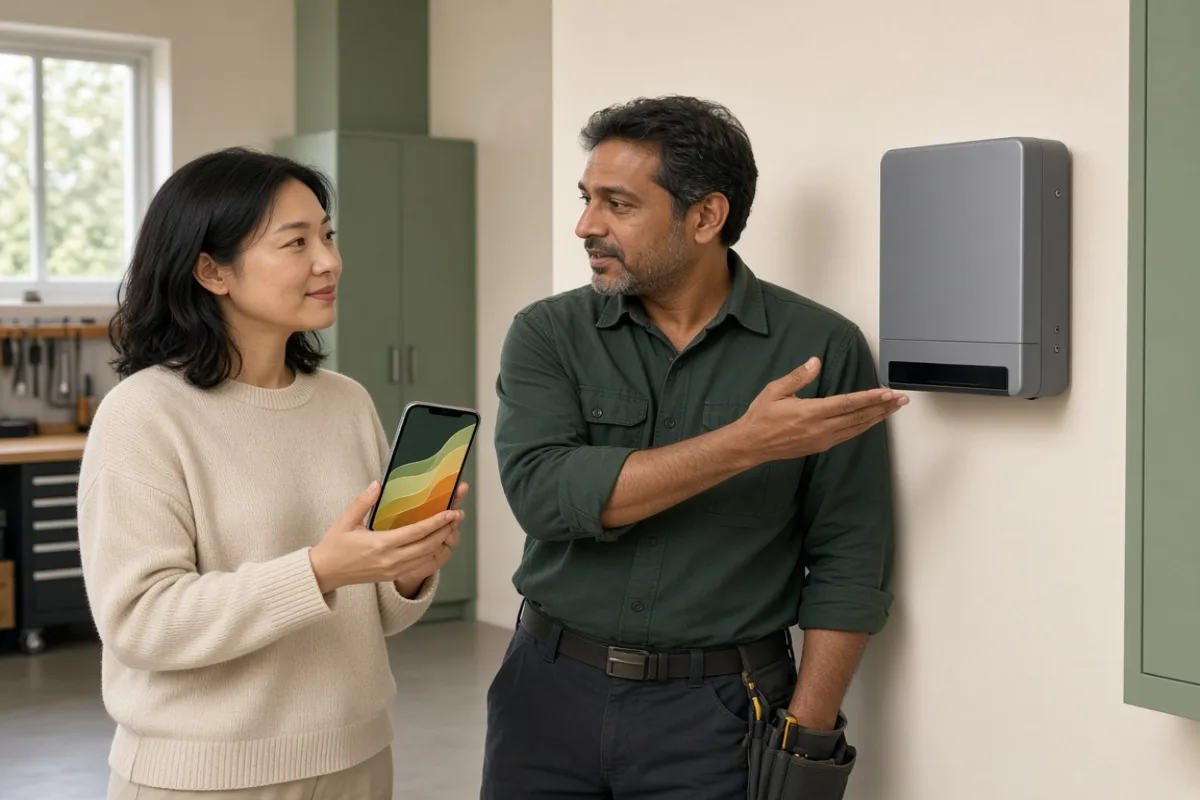
During commissioning, crews often log into a fleet dashboard that lists dozens of sites. Your array may appear there with full panel-level detail while you have no login of your own. That arrangement works until you need alerts on a weekend, transfer ownership, or dispute a production gap months later. Ask explicitly whether the screen you are shown uses the installer's credentials or an account registered to your email address.
If the answer is unclear, request the transfer steps in writing before signing acceptance paperwork. Some platforms require an email invitation; others need a gateway serial number and a code printed on the inverter label. Either way, completing the flow on site proves the hardware talks to the cloud from your home network, not only from the installer's phone hotspot.
Credentials and hardware details to collect on site
Monitoring setup touches more than a username and password. Before the crew packs up, confirm you have recorded:
- Gateway or communication device serial number and its mounting location
- Wi-Fi or ethernet path the gateway uses, including whether a repeater was installed
- Default admin credentials if the platform requires a first-login password change
- Support contact for the monitoring vendor, separate from your installer's office line
- Expected LED patterns on the gateway for normal polling versus communication loss
Store these notes in the same folder as your warranty paperwork. Support calls go faster when you can read a serial number without climbing a ladder to photograph a sticker.
Matching the app map to your roof
Panel-level monitoring shows a grid or list of modules with individual watt readings. Walk outside with the app open on a sunny segment of the visit and compare layout to reality. A string shaded by a vent should read lower than an unobstructed row; a completely flat line on one section often means a clamp never seated on that optimizer or microinverter.
Verify these points while production is visible:
- Total module count in the app matches the count on your contract and single-line diagram
- Physical roof sections appear in the same orientation as the app layout, not mirrored or rotated
- No modules show zero production while neighbors on the same string report normal output
- System total trends roughly with the inverter display and utility production meter
Catching a missing device on handover day gives the installer a clear commissioning task. Waiting a week often means arguing whether the module failed afterward or never reported from the start.
Why delaying setup makes troubleshooting harder
Production issues are easiest to diagnose when baseline data exists from the first sunny days. If you defer account creation, you lose that baseline. Installers also rotate to other jobs; the technician who remembers your gateway password may be hours away on another roof when you call support.
Network changes create another trap. Homeowners sometimes rename Wi-Fi networks or replace routers before setting up the monitoring account. Gateways then sit offline until someone revisits the property to re-pair them — a visit that might not count as warranty service if acceptance forms already declare commissioning complete.
One reader told us their array looked fine on the installer's tablet but never appeared in their own app until a gateway reboot three weeks later. By then, nobody could tell whether a string had underperformed since day one or only after a storm. Personal login on handover day turns that guesswork into a timestamped record.
Alerts, permissions, and export history
After login works, enable production alerts if the platform offers them. Confirm which email receives outage notices and whether you can add a second contact. Ask how long historical data persists on basic versus paid plans, especially if your contract or performance reporting expects monthly exports.
If your system includes battery storage, check whether the app shows state of charge on the same account or requires a separate registration. Split accounts confuse homeowners during grid outages when one app updates and the other stays gray. Unified access on acceptance day prevents that split-brain experience later.
When to hold the acceptance signature
Pause when the app cannot load on your phone using your home Wi-Fi, when panel counts disagree with the physical array, when the gateway LED pattern indicates fault while the installer calls it normal, or when nobody can explain how to transfer ownership away from the installer's fleet account. Those issues do not always mean defective hardware; they mean commissioning is unfinished.
Resolve them while someone who configured the system is still on site. Monitoring is how you will track the system for years — treating it as an optional brochure at the end of a long day invites silent gaps you may not notice until a season of production is already gone.